Short answer: connect a portal platform to Salesforce through the API, choose which objects and fields customers should see, scope access with row-level sharing rules so each customer sees only their own records, then brand the portal and invite customers. With Basicloud, customers sign in to the portal — they never become Salesforce users, so there is no license per customer.
What do customers actually need to see?
Most customer portals come down to a handful of objects, read live:
- Cases — status, updates, and the ability to open a new one.
- Projects or orders — where things stand and what’s next.
- Invoices and payments — what’s been billed and what’s open.
- Documents and contacts — the people and files tied to their account.
Because Basicloud works with any Salesforce object, standard or custom, the portal can show whatever your org already tracks.
How do you build it?
- Connect Salesforce. Authorize the org over OAuth 2.0. Nothing is installed in the org and no data is copied — the portal reads records live through the API.
- Choose objects and fields. Pick the objects customers need and the fields worth showing. Start small; you can add more later.
- Set sharing rules. Scope every query to the customer’s own account, so records outside their scope are never fetched — not just hidden.
- Design the pages. Drag fields into page layouts and choose list, kanban, or calendar views per object.
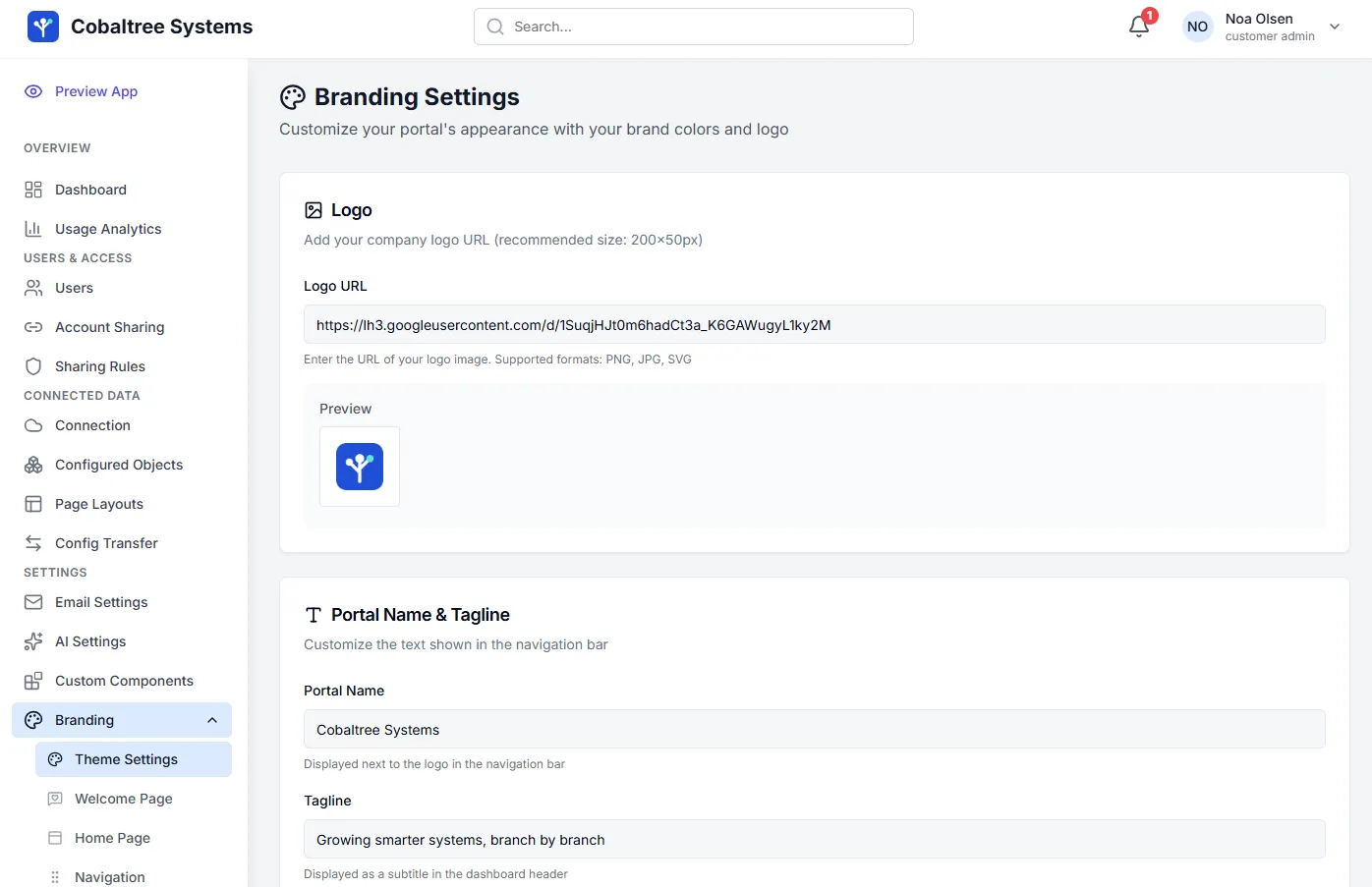
- Brand it. Logo, colors, your own domain, and a branded sign-in page — so the portal feels like your product.
- Invite customers. Start with a pilot group, watch the activity logs, then roll it out.
What should you watch for?
- Per-user cost. If every customer needs a license, the portal gets more expensive as it succeeds.
- Stale data. Tools that sync a nightly copy show yesterday’s status. Live reads show what’s true now.
- A second copy of your data. Every synced copy is another database to secure. A live proxy stores none of your records.
- Access that’s only hidden. Filtering in the screen instead of in the query is how data leaks. Rules should narrow the query itself.
How long does it take?
Connecting Salesforce takes minutes. Because the rest is configuration rather than code, a first customer portal is typically live in days. Our team can also run the implementation for you as professional services.